Took a credit card campaign from first ad to finished application
A full-funnel campaign for a credit card made for international students with no US credit history. I worked on the whole path, from where the ads landed to the finished application, plus the data loop that tied it all together.
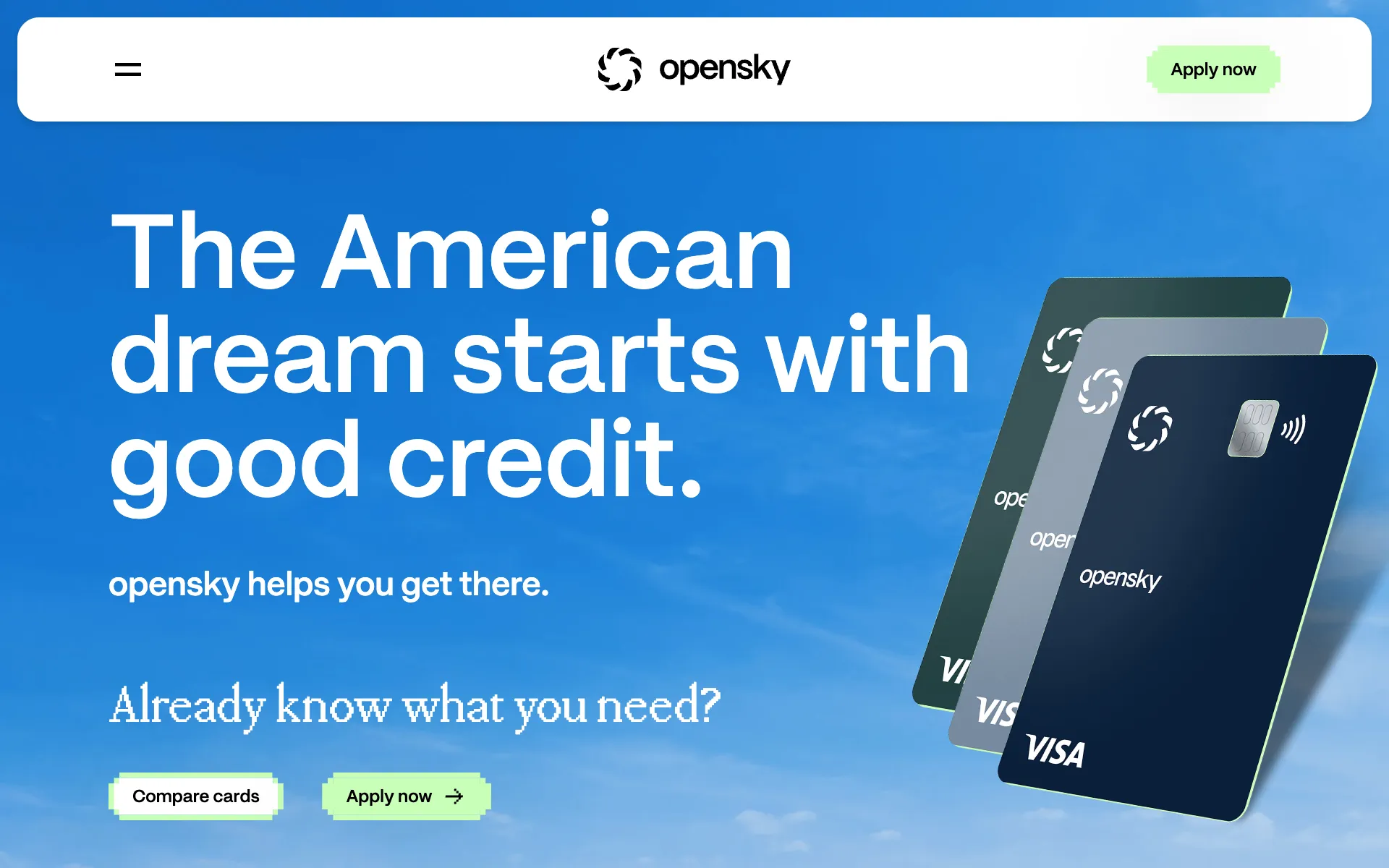
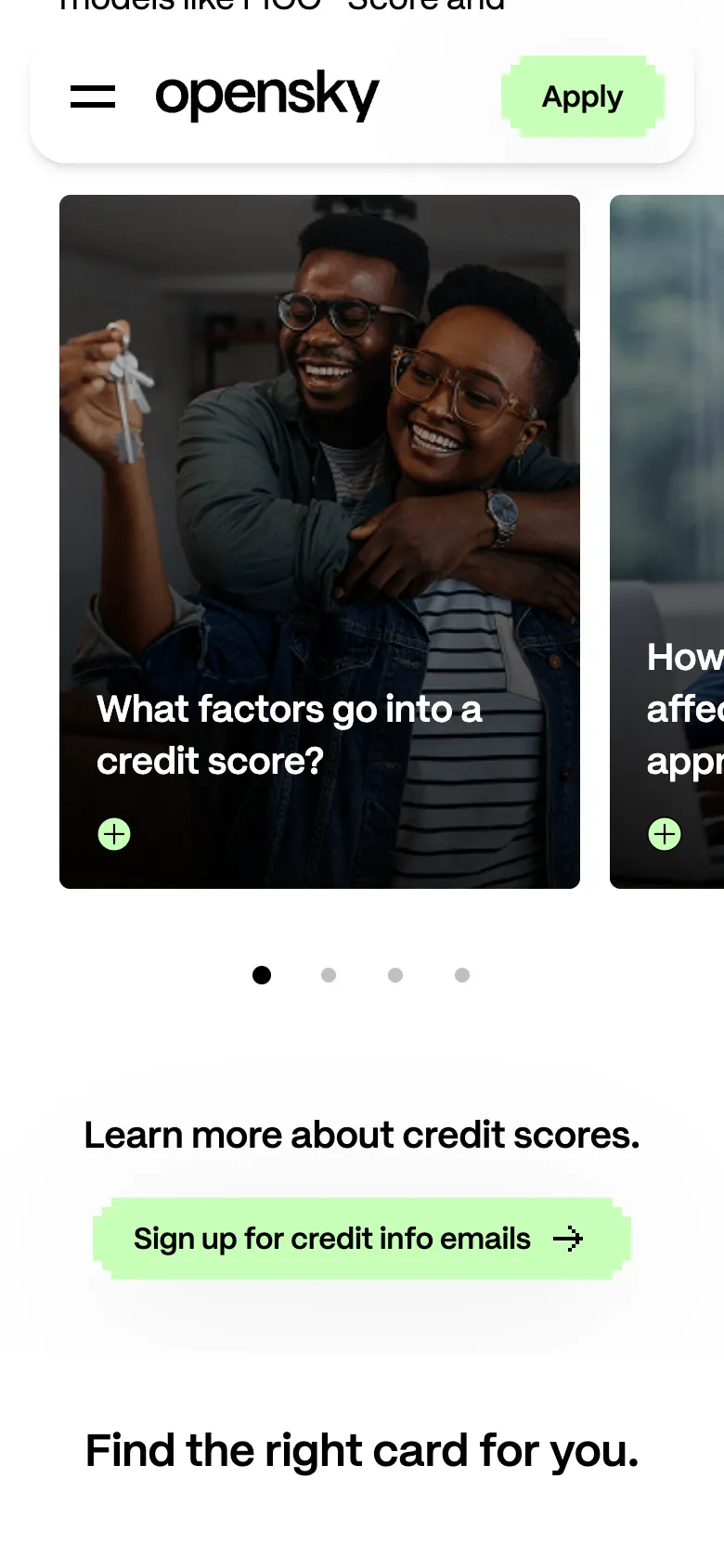
Visual design, strategy and media by Stephens+.
At a glance
- My role
- I was the client-facing tech lead. I led the interaction concepts for the score simulator, swipeable cards, modals, exit intent and menu, worked with our designer on the wireframes, built the site, and set up the analytics and conversion tracking.
- Team
- Visual design, strategy and media by Stephens+.
- Channels
- Digital out-of-home, Meta, display, the microsite and the application.
- Outcome
- One connected funnel we could measure from the first ad to a submitted application, and keep tuning while the campaign ran.
The ask
The goal was to reach international students in the US who don't have a US credit history yet, and take them from "what's this?" all the way to a finished application. Most credit products quietly assume you already have a history, which this audience doesn't. This card didn't, and the campaign had to make that really clear.
It's also a credit product, so every claim had to travel with its disclosure. That rule shaped the build from day one (more on that below).
The ads
The campaign ran on digital out-of-home screens, Meta and display. The creative and the media plan came from the rest of the Stephens+ team, so my part was making sure every click landed somewhere built for it, and that we could actually see which placements led to applications.
The data told a pretty clear story. Programmatic display bought through a DSP drove the most sessions by a long shot. Social drove far fewer, but those visitors were a lot more engaged. Volume and engagement were coming from different places, so we read them separately instead of crowning one winner.
The site
The microsite had one job: turn curiosity into confidence, and then into an application. I led the interaction concepts below, and each one is there because of something we knew about the audience.
Score simulator
You tell it whether you already have a US credit score (and roughly what it is), and it plots how that score could grow over the first year.
Why it exists: This audience had no US credit history, so "build your credit" was a pretty abstract promise. Letting people play with it made the idea click in a few seconds, and the illustrative-only note sits right under the chart.
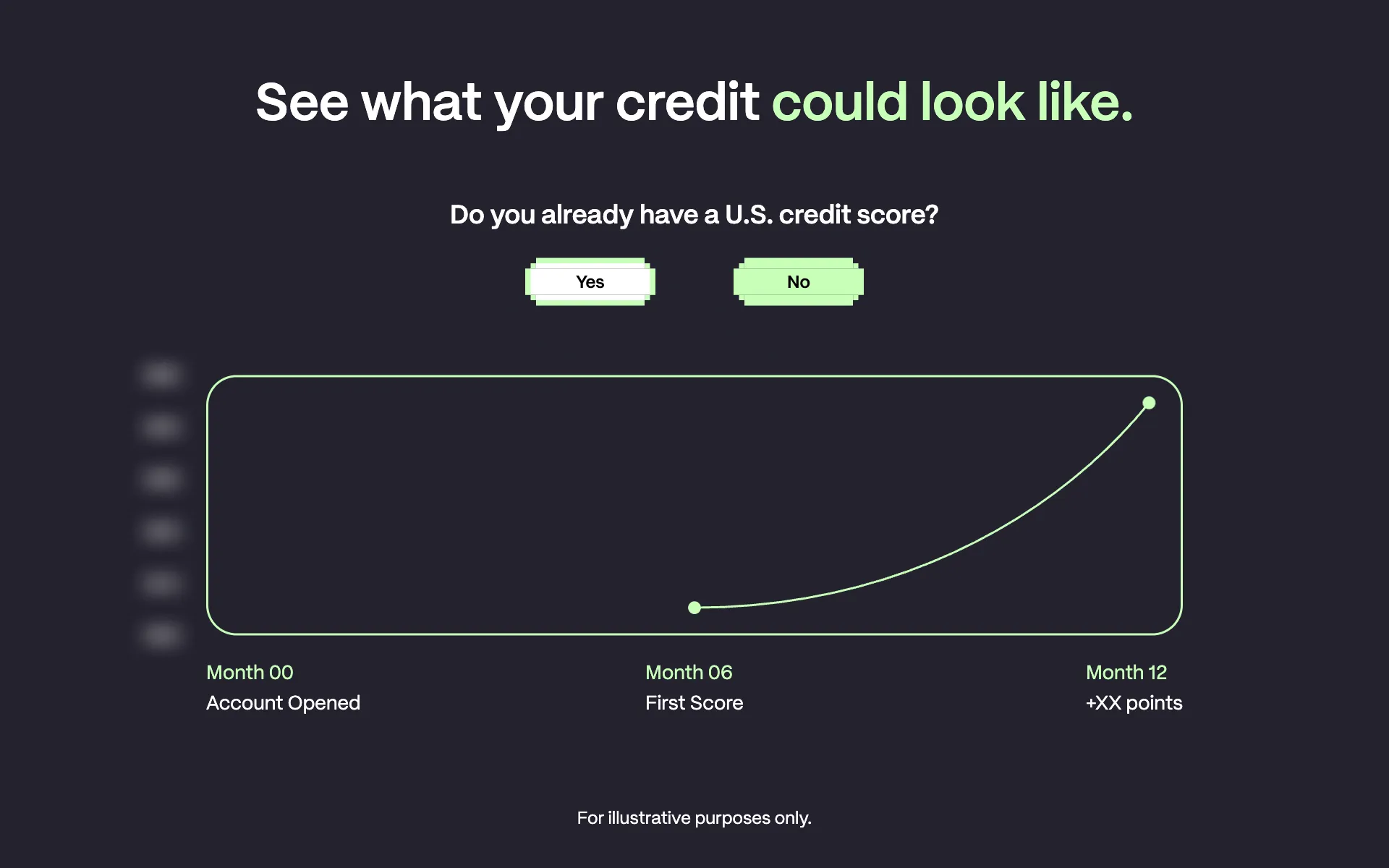
The score simulator turns "build your credit" into a curve you can actually see, with the illustrative-only note right under the chart. Swipeable cards
Credit basics broken into a row of photo cards you swipe through with your thumb, each one opening up into more detail.
Why it exists: Swiping kept each point short and let people go at their own pace on a phone, instead of scrolling through a wall of text.
Swipeable cards break credit basics into thumb-sized pieces. Modals
Details and answers open in place, right on top of the page.
Why it exists: The main OpenSky site already shows information this way, so echoing it made the microsite feel like part of the same family. Answering questions in place also meant nobody lost their spot on the page.
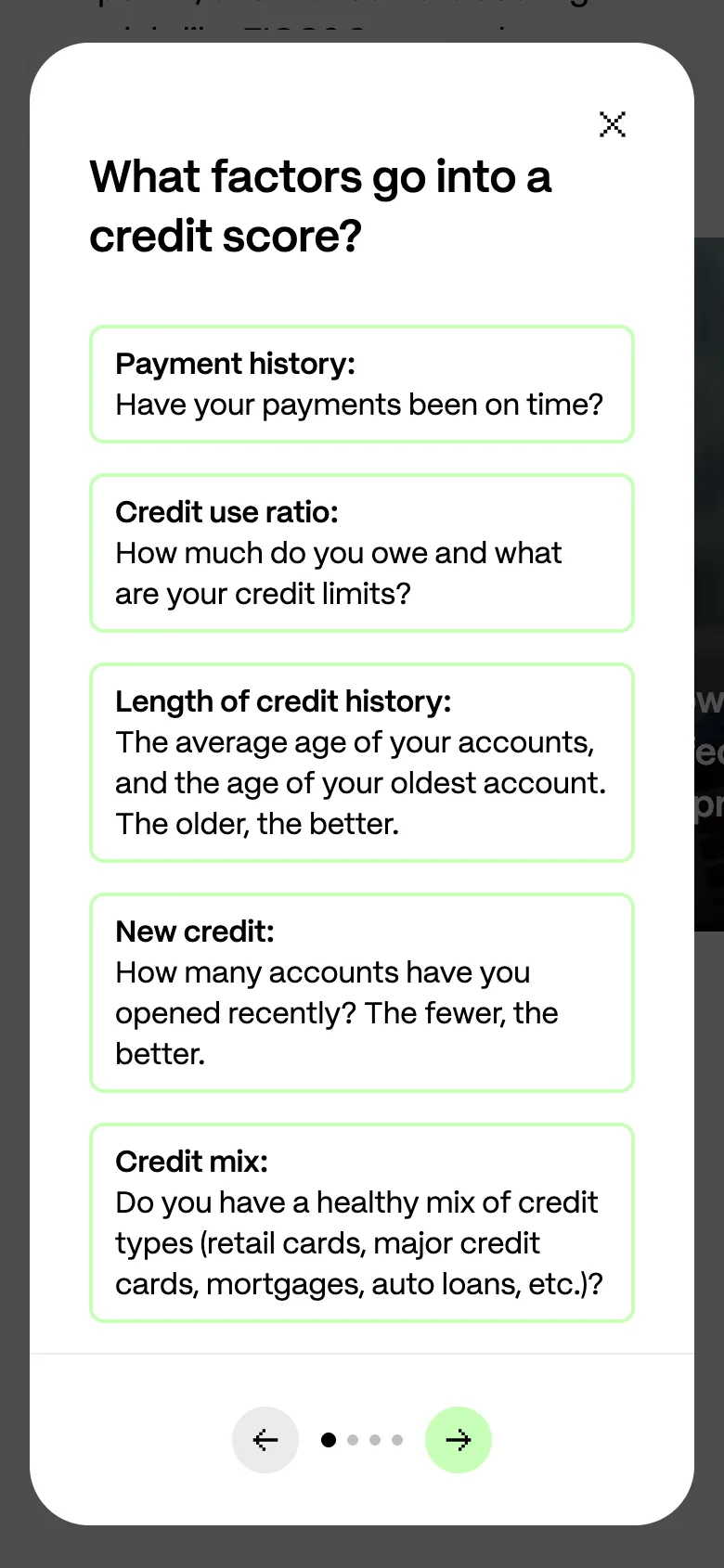
Each card opens a modal in place, so nobody has to lose their spot on the page to get an answer. Exit intent
One last, friendly offer when someone looked ready to leave: sign up for informational emails about building credit.
Why it exists: Let's be honest, most people who left this page weren't coming back to it. Exit intent gave us one more chance to offer something useful (more education about credit) and keep them in the funnel. Closing it takes one click.
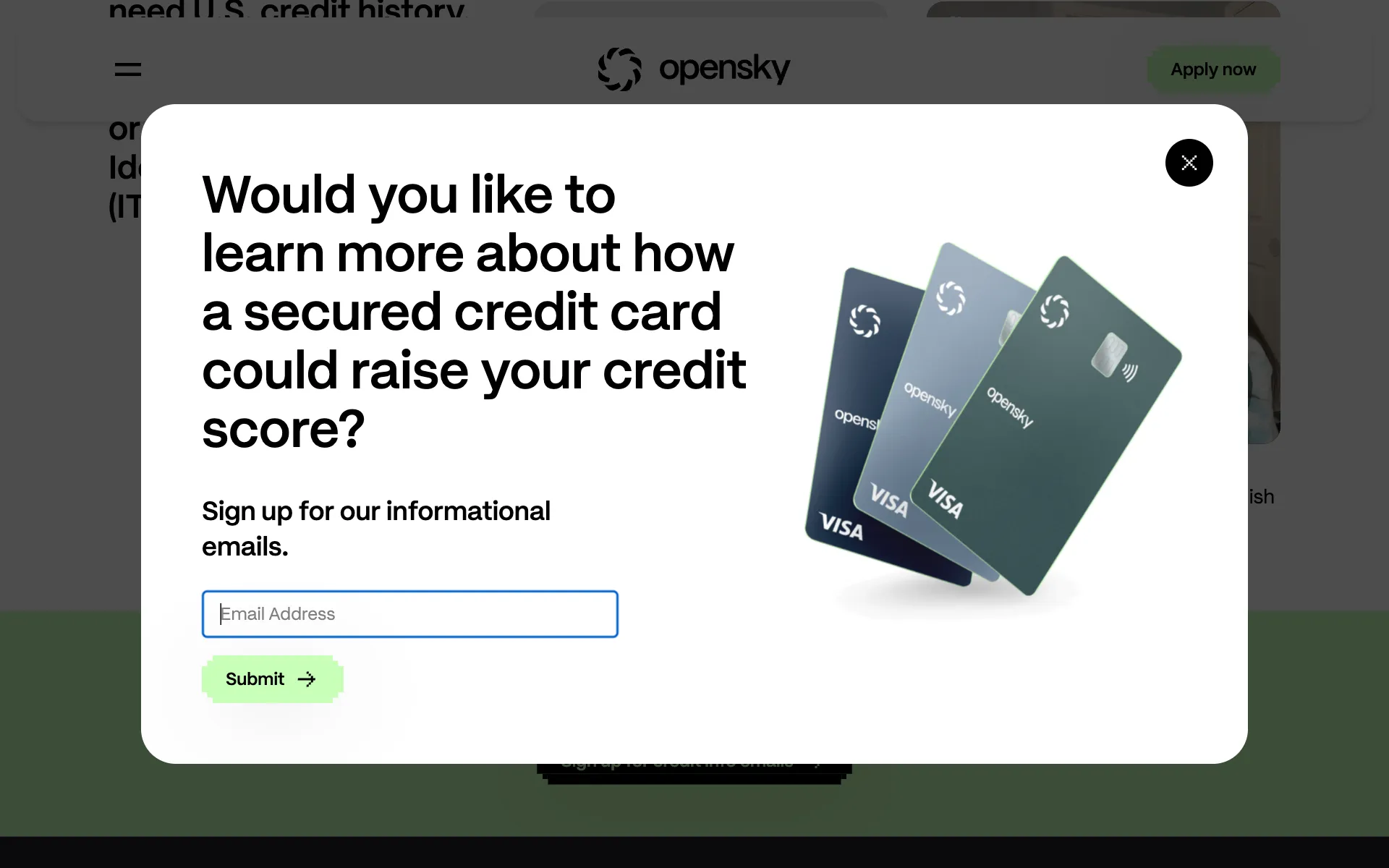
Exit intent offers informational emails, a softer next step for people who aren't quite ready to apply. Menu
A menu that jumps to each part of the story and carries a card summary with its own Apply button.
Why it exists: A microsite with a single goal shouldn't make anyone go hunting for it. From anywhere on the page, applying is one tap away.
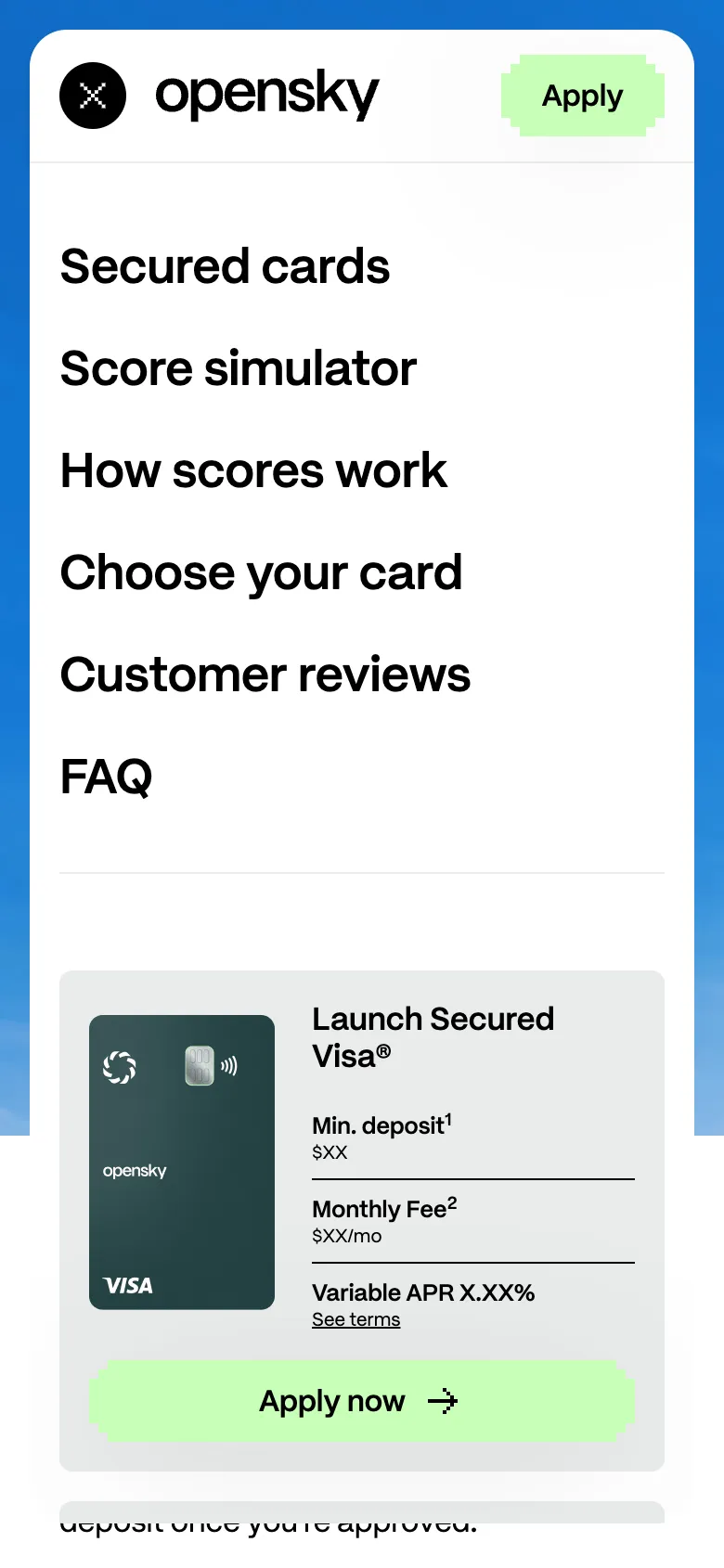
The menu doubles as a shortcut to apply, and the card's terms and footnotes come along with it.
Compliance built in
A credit offer without its terms is a problem, especially when the offer is the most interesting thing on the screen. So the disclosures couldn't be a footer afterthought:
- Every offer sat right next to its disclosure, footnote or "terms apply" link, at every screen size.
- The simulator carried its illustrative-only note directly under the chart, so the two couldn't drift apart.
- The card summary in the menu kept its footnote markers and terms link, even in that tiny space.
A quick note on the captures: they're UI-only crops. Rates, fees and offer details are generalized, and each altered capture says so. The live site has the full terms.
The application
The tracking setup is what tied the whole funnel together. Ad clicks, what people did on the microsite, and whether they started and finished an application all landed in one view, so we could follow someone's path from the first ad to the last step.
- Google Analytics and Google Tag Manager followed the path from landing to application.
- Microsoft Clarity heatmaps showed us where people tapped, scrolled and got stuck.
- Meta, TikTok and DSP pixels fed conversions back to the ad platforms, so their algorithms could go find more people like the ones who applied.
The loop
Launching the site was really just the starting line. For the rest of the campaign we ran the same loop:
- Data: find where people stalled or dropped off.
- Change: adjust one thing on the site or in the ads.
- Result: measure it, keep what worked, and go again.
A real example
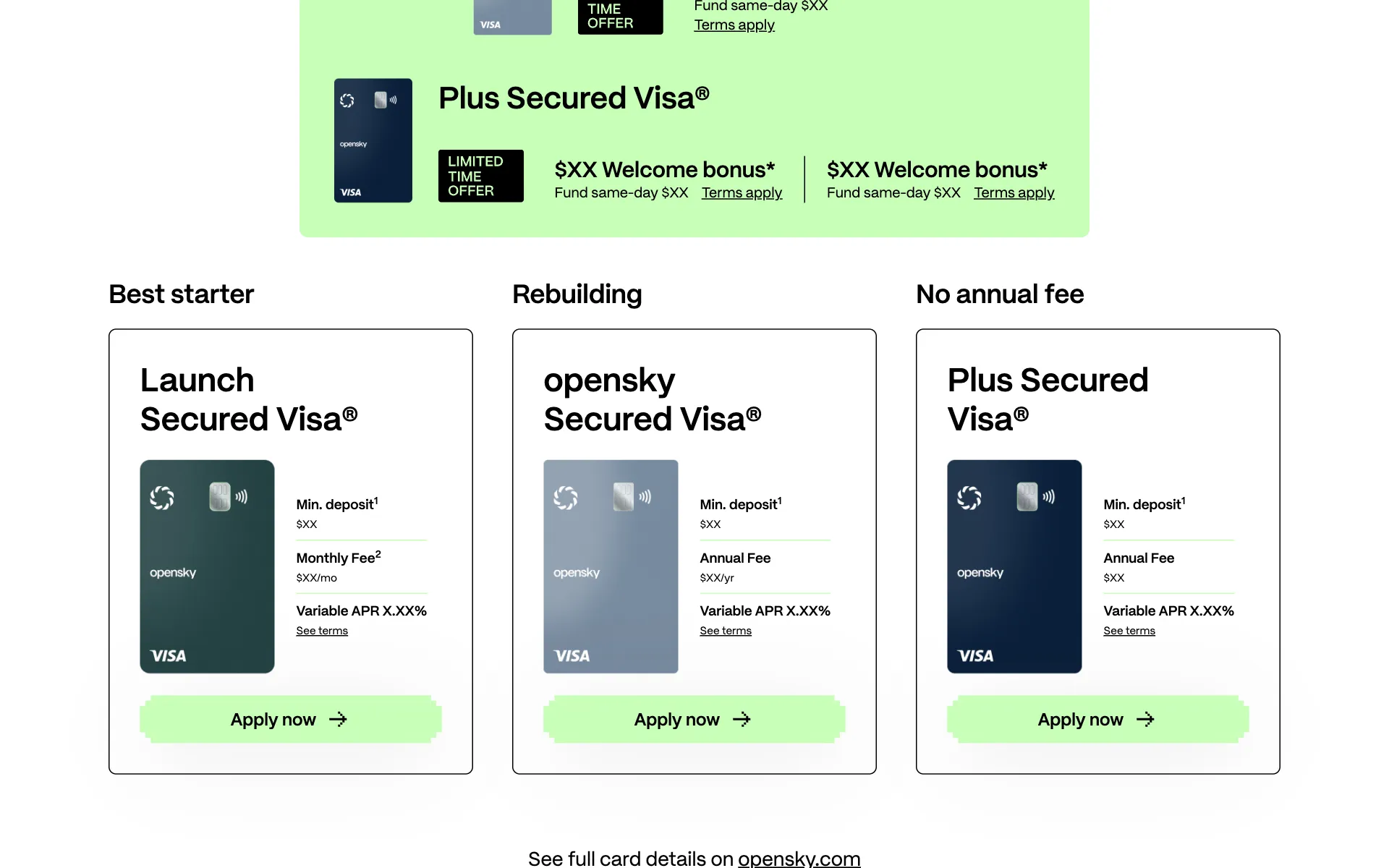
Data: early application rates were lower than they should have been, but plenty of people were clicking through to the page comparing the three cards.
Change: the button said "Apply now", but it opened an informational page. That's a broken promise. We pointed it straight at the application for the mid-tier card, so the click actually did what it said.
What I'd do next
- Test the simulator higher up the page for visitors coming from social, since that's where it does the most explaining.
- Offer the key pages in the languages the audience speaks most at home.
- Tailor the pages to the areas and campuses the campaign targets, while keeping them general enough to never name a specific university.
See it live ↗ (opens in a new tab)
The live site may have changed since I captured it in Oct 2026. See the archived version (opens in a new tab).